
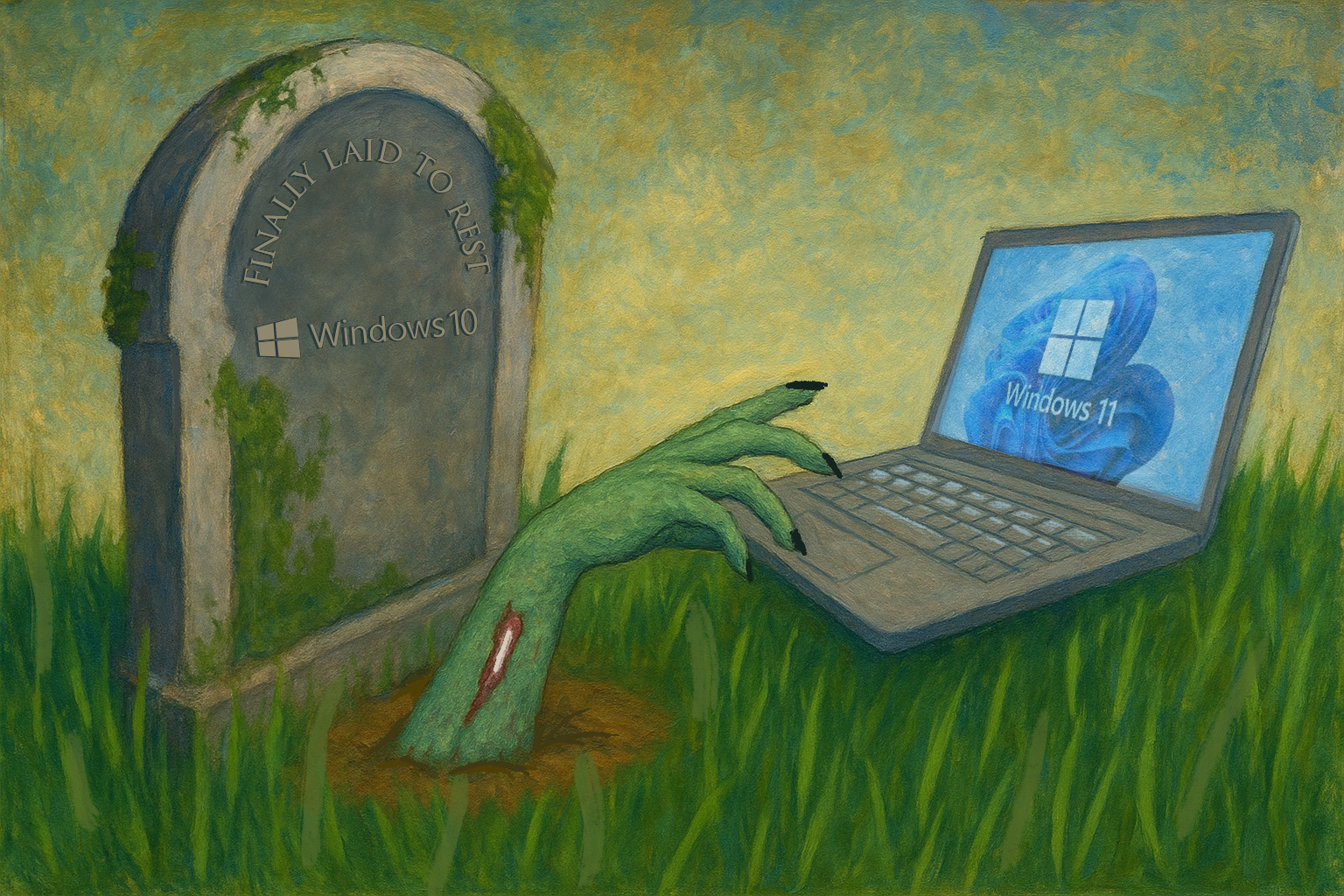
TLDR: Microsoft will be ending support to Windows 10 on October 14th, 2025. Here’s everything you need to know about Windows 11 for your transition.
Why Make the Transition from Windows 10?
Microsoft is ending support for Windows 10, approximately 10 years after it was first released. This end of support indicates a push for users to upgrade to Windows 11. Windows 11 was released in 2021, but as of October 2nd, has been adopted by only 48.9% of the Windows desktop market. This indicates that many users are waiting until the last minute to upgrade.
Windows 11 was created with the goal of bringing users closer to “secure-by-default.” Its updated security features include Smart App Control, a service powered by AI that verifies the security of apps, alongside Windows Hello, a feature that ensures physical security by logging you out when you step away from your laptop and automatically logging you back in when you return. Additionally, Windows 11 is packed with the most powerful AI features yet, including increased Microsoft Copilot integration.
Unfortunately, if your organization is currently using Windows 10, inaction is no longer an option. After Windows 10 reaches its end of life, Microsoft will stop providing updates and crucial security fixes. This lack of support will leave your system vulnerable to cybercriminals and leave your data exposed. Fortunately, transitioning to Windows 11 means that your organization is taking a step forward into a more secure workspace.
Potential Barriers to Upgrading
Microsoft has promoted Windows 11 as an integration of hardware and software, with the goal of increasing the user’s baseline security capabilities. One of the main ways they have fulfilled this promise to users is through the enforcement of a hardware requirement. This hardware requirement, while delivering on the enhanced security for its users, has the potential to be one of the biggest barriers for user adoption.
Windows 11 requires computers to meet baseline hardware requirements, including the use of Trusted Platform Module (TPM) 2.0. A Trusted Platform Module is a computer chip that enhances the security of your computer by storing cryptographic keys. It is integral to Windows 11 and Microsoft began requiring new computer “models, lines or series” that are Windows compatible must be equipped with TPM 2.0 since 2016. However, many older computers are not equipped with TPM 2.0. Many users view the hardware requirements for Windows 11 as a significant barrier to upgrading, as they would require users to switch to a new laptop entirely.
How to Upgrade to Windows 11?
If you are currently using Windows 10, you can use the PC Health Check app to check your computer’s compatibility with Windows 11. If you have never used the PC Health Check app, Microsoft has a how-to guide you can utilize. If your PC is compatible with Windows 11, you can download the update from the Windows Update page in Settings or using the Windows 11 Installation Assistant.
My PC is Incompatible with Windows 11, what now?
If you, or someone in your organization, has a personal computer that indicates incompatibility with Windows 11, you have a few options.
The first and arguably simplest option is to purchase an updated personal computer that is compatible with Windows 11. This is the option that Microsoft suggests, and you can find a their recommended PCs here.
The second is to enroll in the Extended Security Updates (ESU) program for Windows 10. The ESU program is a paid program extends Windows 10 support for a year. This is not a long-term solution, however. Enrollment in the ESU program will last for three years, maximum, if you enroll at the organization-level, with the price doubling for each year.
As a reminder, using Windows 10 past the support deadline without the ESU program is inadvisable. The time to act and secure your organization is now.
How Isogent Can Help
Isogent is here for you through every step of your transition to Windows 11. Our team of technical support and security specialists are ready to answer your questions and set your organization up for success. Contact us today to schedule your Windows 11 consultation with our team of managed IT security experts.
Citations:
Redmond Magazine | Windows 11 Adoption Gains Momentum
Microsoft | Hardware-backed Windows 11 empowers Microsoft with secure-by-default baseline
Microsoft | Download Windows 11
Microsoft | Find the Windows PC that’s Right for You
Microsoft | How to Use the PC Health Check App
Microsoft Learn | Trusted Platform Module Technology Overview
